
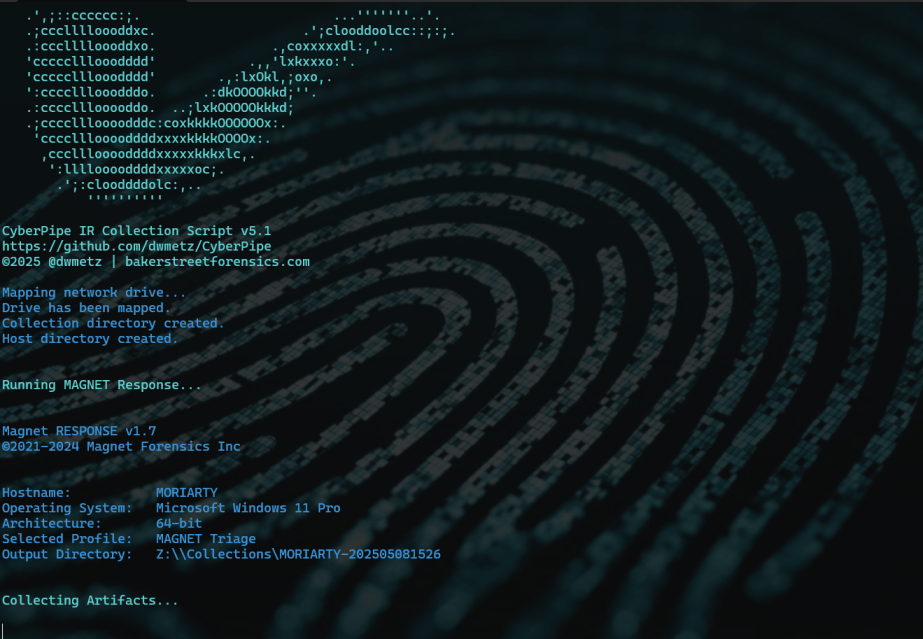
CyberPipe v5.1 is out with a few targeted improvements to make live response a bit smoother.
What’s New:
- Collection profiles can now be passed directly as arguments using -CollectionProfile. No need to modify the script or hardcode anything — just run with the profile you need.
- Improved support for saving to network shares, ideal for remote collections triggered by EDR.
- Better error handling and logging, including clearer messages when tools are missing or when BitLocker key recovery fails.
The default profile still covers the most common triage needs:
✔️ Memory dump (RAM)
✔️ Pagefile
✔️ Volatile data (network config, hives, running procs)
✔️ System artifacts
But now, you can swap that out on the fly:
Usage Examples:
.\CyberPipe.ps1 ## default profile, capture RAM, Pagefile, Volatile and System Files

.\CyberPipe.ps1 -CollectionProfile RAMOnly ## just the RAM

.\CyberPipe.ps1 -CollectionProfile RAMSystem ## just the RAM and System Files (triage lite)

.\CyberPipe.ps1 -CollectionProfile RAMPage ## RAM & Pagefile

.\CyberPipe.ps1 -CollectionProfile Volatile ## Just Volatile data
Useful for tailoring collections based on available time, scope, or system stability — especially during incident response where conditions change quickly.
CyberPipe still captures memory with DumpIt or RAM Capture, grabs volatile system data, checks for encryption, and recovers the BitLocker key when possible. But now it’s just a bit easier to tailor to the job at hand — whether you’re responding interactively or invoking it remotely via EDR integration.
As always, no dependencies beyond what’s in the Tools folder, and no assumptions about the system you’re collecting from.
See the full changelog and usage notes in the README on GitHub.
 Baker Street Forensics