
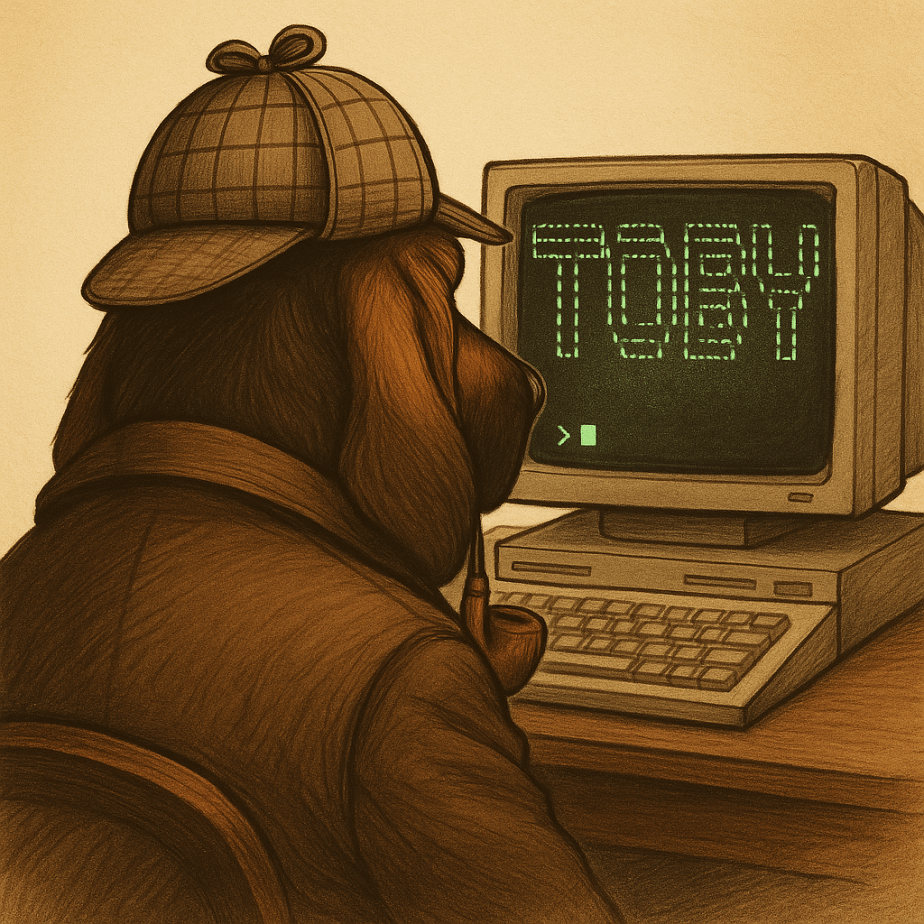
In digital forensics, we often take a toolbox approach — success hinges on having the right tool for the job. Some tools offer broad functionality, while others are deeply specialized. Distributions like KALI and REMnux do a fantastic job bundling a wide range of forensic and security tools, but keeping track of what’s actually installed can be a challenge.
If you’re using a graphical interface, browsing through available packages is fairly intuitive. But when you’re living in the terminal — as many analysts do — that discoverability disappears. There’s no built-in index of command-line tools or how to invoke them.
The first version of Toby-Find was born out of necessity. I teach a Network Forensics course at the university, using a custom VM loaded with tools like Zeek, Tshark, Suricata, and more. I wanted students to have an easy, searchable way to see what CLI tools were available and how to run them — without needing to memorize commands or dig through man pages.
Later, when I built Toby (a forensic-focused Raspberry Pi rig running a customized KALI install), I updated Toby-Find to include the complete CLI toolset geared toward forensics and malware analysis from the KALI ecosystem.
And because I can’t leave well enough alone, I decided to build a REMnux-compatible version too.
⸻
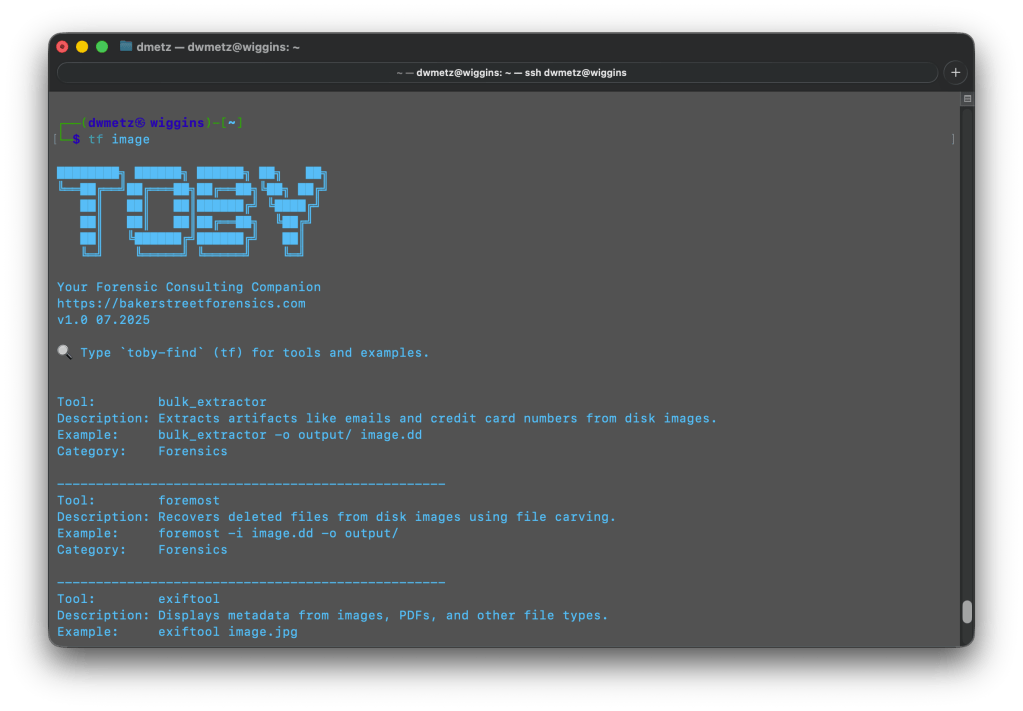
Once installed, you can launch Toby-Find (via tf, toby-find, or tf-help) from any terminal and instantly search for tools, descriptions, examples, and more.
⸻
📦 Installation
1. Clone the repository:
git clone https://github.com/dwmetz/Toby.git2. Make the install script executable:
cd Toby
chmod +x install.sh
3. Run the installer:
./install.sh4. Follow the prompt to choose your environment (KALI or REMnux)
5. Open a new terminal or run:
source ~/.bashrc # or ~/.zshrc depending on shell
🚀 Usage
tf [keyword]Examples:
tf yara
tf volatility
tf hash
To view the full list:
tf-helpWhether you’re working from a custom VM, a rugged Pi, or a hardened REMnux box, Toby-Find gives you a fast, terminal-friendly way to surface the tools at your disposal — without breaking focus. It’s lightweight, portable, and easy to extend for your own lab or classroom.
You can grab the full installer from GitHub, and contributions are always welcome. If you find it helpful — or build on it — I’d love to hear about it.
 Baker Street Forensics