In digital forensics, we’re frequently trying to separate the signal from the noise. When examining operating systems – including mobile, it can be helpful to know what files came with the operating system. By filtering those out we can concentrate on what’s new on the device as we start looking for activity.
The National Software Reference Library (NSRL) is designed to collect software from various sources and incorporate file profiles computed from this software into a Reference Data Set (RDS) of information. The RDS can be used by law enforcement, government, and industry organizations to review files on a computer by matching file profiles in the RDS. This will help alleviate much of the effort involved in determining which files are important as evidence on computers or file systems that have been seized as part of criminal investigations.
Recently I came across a site that, among other capabilities, has the option of doing an NSRL lookup using curl from the command line.
Me being Mr. PowerShell I wanted to see what the syntax would be to do the same lookup with PowerShell. So where did I turn? No, not to Jeffrey Snover. I went to ChatGPT. I’d heard quite about how services like these, while not trustworthy for anything of historical accuracy, are pretty good at translating code.
Sure enough it returned functional code to do the same operation in PowerShell. What I really appreciated though is the detailed information beneath that explains the parallel functions between the two, and what the different values represent. I could see myself using ‘explain this code to me’ in the future.
PowerShell NSLR Query Syntax:
Invoke-RestMethod -Uri 'https://hashlookup.circl.lu/lookup/sha1/3f64c98f22da277a07cab248c44c56eedb796a81' -Headers @{accept='application/json'} -Method GET
I also asked it to convert the curl command to Python which it handled equally well, and once again the same level of explanation of what’s going on beneath the code.
Of the three, I prefer the output of the PowerShell command as the output is the most readable. In the screenshot above, four queries were run. For the first two there wasn’t a matching hash detected, so we can’t confirm whether those were included with the operating system. For the second two queries, which happen to be for executable names that are frequently misused by bad actors, we see that the hashes queried do match the published NSRL.
A couple weeks ago, a reader commented on the post Adding RAM collections to KAPE triage, “Couldn’t this be implemented by using linear processing with KAPE in batch mode?” and I couldn’t be more grateful for their inquiry.
When I was first introduced to KAPE, ‘batch mode’ didn’t exist yet as a feature. From the documentation:
“Batch mode works by placing one or more command lines (without the kape.exe part) into a file named _kape.cli. This file should contain one full command line on each line. This allows you to preconfigure KAPE to perform a given action (for example, collect certain files, zip them, then SFTP them to somewhere).”
Essentially it allows you to string together multiple KAPE jobs and run them together. This could be useful when you want to send the output of one command to a network share, and another to S3. I’m sure there are many other use cases, but I haven’t explored many as of yet.
KAPE has supported memory collection from its very early days. In fact I wrote the original DumpIt plugin for KAPE back in May ’19 (Pepperidge Farm Remembers). I later wrote the module for Magnet RAM Capture. Rounding out the triad is Winpmem which was added by another contributor around the same time (hours apart if I remember) as the DumpIt plugin.
At the time I thought I’d finally solved my Incident Responders ultimate dream of ‘give me RAM and a selective triage image – and give it to me quickly.’ While using any of the memory modules with KAPE, and an appropriate Targets selection for triage would yield both results, to me there was still a problem. The way KAPE operates it initiates the Targets operations (collections) and then the Modules (execution) operations. If I selected a triage image and included the memory collection module, the triage collection would run first and after would run the memory collection (module). While I was pretty giddy over having made what would be my first public contributions to DFIR software, I really wanted to grab the memory first and then do any other operations. The goal was to preserve as much volatile data as possible. It was out of that need to control the order of operations that led me to write CSIRT-Collect.
Via PowerShell, CSIRT-Collect would collect a RAM image first (evolving over the years experimenting with DumpIt, Magnet RAM Capture and Winpmen – and now back to DumpIt again) and then invoke KAPE to handle the triage collection. There were two versions of the code, mostly identical but adapted for use via network share or via USB drive. We used this script within my IR team for a few years before I shared it to GitHub where it’s continued to develop (and be the topic of numerous webcasts.)
ARM64 processors
DumpIt, which was recently added to the Magnet Forensics Free Tools site, supports x64, x86 and ARM processors on Windows. With CSIRT-Collect and KAPE, I was able to run the triage and RAM collections on my (regular suspects) Windows instances, as well as a Windows ARM virtual machine running on an M1 Mac. That introduced my next problem though, that there wasn’t a means within KAPE to detect ARM64 vs x64, just 32bit vs. 64bit. Since the architecture support wasn’t there, I whipped up a new KAPE module specific to the ARM version of DumpIt which has been added to the latest version of KAPE. Once you update KAPE, grab the ARM version of DumpIt, name it DumpIt_arm.exe, drop it in the /bin and you’re good to go. The latest version (4.0) of CSIRT-Collect queries the architecture and will direct KAPE to utilize the appropriate .exe for the architecture.
Back to batch mode
The first line of the _kape.cli had the (modules) arguments for DumpIt and Encrypted Disk Detector. The next line called the KAPE-Triage (targets) collection.
By default all the KAPE instances called by the _kape.cli will execute simultaneously. When I was first experimenting with it both the RAM collection and the triage collection would initiate at the same time. While this made for even faster collections on larger targets, there was still the issue of preserving the most volatile data. Back to the documentation, (it helps to read to the very last line… )
“Should you want to limit things to a single KAPE process running at once, adding --ul to one of the entries (it should be the first one in most cases) tells KAPE to wait for each instance of KAPE to exit before starting the next. When using this mode, you will only see one active instance of KAPE vs. multiple instances starting at once.”
Adding a –ul to the first KAPE argument ensured that the memory collection operations would take place first and only then when completed start the next phase of the triage collection.
Another bit about batch mode. When kape.exe executes and there is a _kape.cli in the root path it will use those arguments and then renames the file to $timestamp_kape.cli. So the next time KAPE executes from this directory, a _kape.cli will not be present. Since the intention of the script is to be reusable and repeatable without intrevention, I needed the _kape.cli to be persistent. I decided the solution was to have the script create the _kape.cli at runtime. This also allowed me to accommodate for the x64 vs ARM64 issue. If ARM is detected, the _kape.cli will be generated with the instructions for the ARM module. Otherwise the x64 module will be used.
Up until recently the script required specific folder configurations in place (collections folder, memory folder, KAPE, etc.) That’s been simplified now. Just sit CSIRT-Collect.ps1 next to your KAPE directory (whether on network or USB) and the script will take care of any folder creation necessary.
v4.0 Features:
– “One Script to Rule them All” – Admin permissions check before execution
– Memory acquisition will use Magnet DumpIt for Windows (previously used Magnet RAM Capture). – Support for x64, ARM64 and x86 architectures. – Both memory acquistion and triage collection now facilitated via KAPE batch mode with _kape.cli dynamically built during execution. – Capture directories now named to $hostname-$timestamp to support multiple collections from the same asset without overwriting.
$collection = $env:COMPUTERNAME+$tstamp
– Alert if Bitlocker key not detected. Both display and (empty) text file updated if encryption key not detected. If key is detected it is written to the output file.
(Get-BitLockerVolume -MountPoint C).KeyProtector > $CollectionHostpath\LiveResponse\$collection-key.txt
If ($Null -eq (Get-Content "$CollectionHostpath\LiveResponse\$collection-key.txt")) {
Write-Host -Fore Yellow "Bitlocker key not identified."
Set-Content -Path $CollectionHostpath\LiveResponse\$collection-key.txt -Value "No Bitlocker key identified for $env:computername"
}
Else {
    Write-Host -fore green "Bitlocker key recovered."
}
– More efficient use of variables for output files rather than relying on renaming functions during operations – Now just one script for Network or USB usage. Uncomment the “Network Collection” section for network use.
## Network Collection - uncomment the section below for Network use
<#
Write-Host -Fore Gray "Mapping network drive..."
$Networkpath = "X:\"
If (Test-Path -Path $Networkpath) {
    Write-Host -Fore Gray "Drive Exists already."
}
Else {
    # map network drive
    (New-Object -ComObject WScript.Network).MapNetworkDrive("X:","\\Server\Triage")
    # check mapping again
    If (Test-Path -Path $Networkpath) {
        Write-Host -Fore Gray "Drive has been mapped."
    }
    Else {
        Write-Host -Fore Red "Error mapping drive."
    }
}
Set-Location X:
#>
## Below is for USB and Network:
$tstamp = (Get-Date -Format "_yyyyMMddHHmm")
$collection = $env:COMPUTERNAME+$tstamp
...
– Stopwatch function will calculate the total runtime of the collection. – ASCII art 😉 “Ceci n’est pas une pipe.”
I’m very pleased with how this project has continued to develop. Special thanks to Brian Maloney whos question got things started down a new path. If you have other questions or suggestions, feel free to leave them here – or better yet, submit a PR at the GitHub repo.
On February 21, I’ll be discussing CSIRT-Collect Free Tools to Bolster Your IR Toolkit at #MVS2023. Register today!
Happy New Year to all the readers. 2022 was a handful, but there were a lot of things to celebrate. I completed my first full year as an employee of Magnet Forensics. Between the people I work with, and the satisfaction of the mission, I couldn’t be happier with where I’m at.
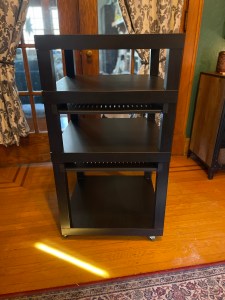
though it wouldn’t be til September that I called an end to the “one more thing” adjustments. It’s definitely one of my favorite DIY projects to date.
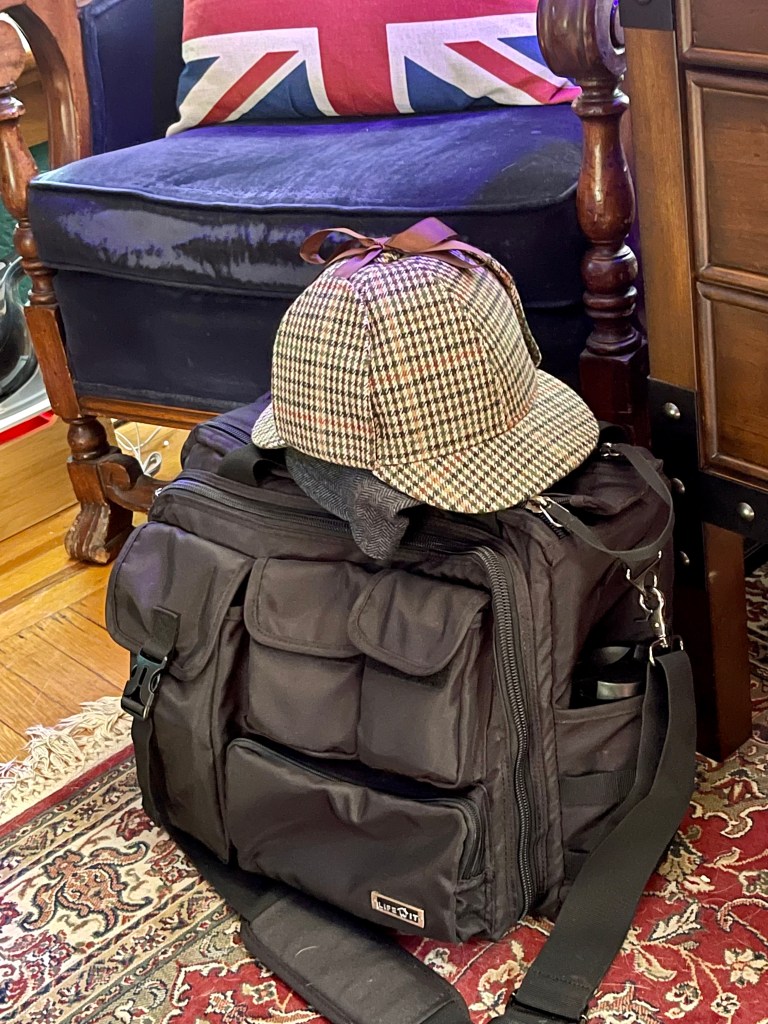
There were lots of little successes as well, like finally cleaning up and re-organizing my ‘go-bag.’
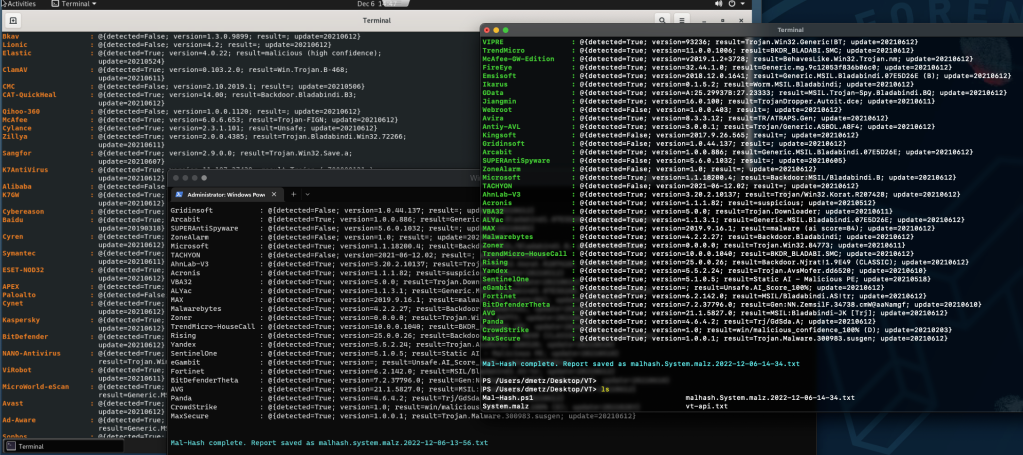
As my focus has been more concentrated on malware investigation and analysis – that meant that in no time there’d be something I could automate with PowerShell, and so came Mal-Hash. A few months after the initial release, I was able to update it. Included in the refinements was the ability to now run the script on Windows, Mac, and Linux (via PowerShell).
I also went back to all my O365 related PowerShell Scripts and updated them all to support the latest modern auth / MFA protocols from Microsoft.
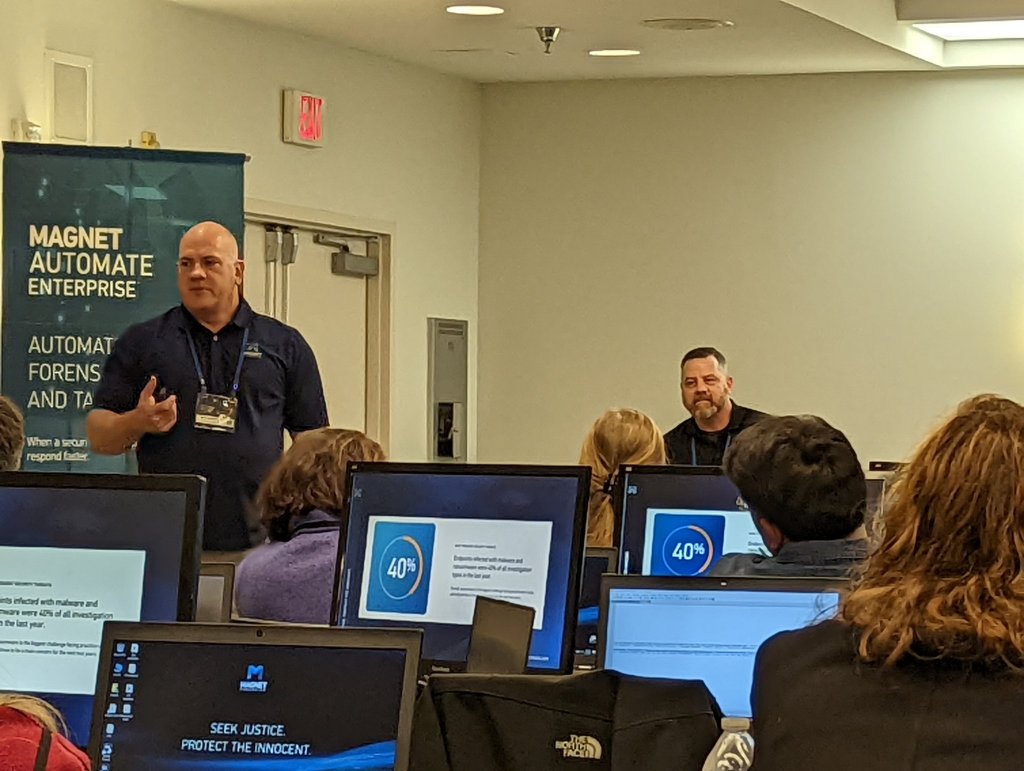
After several years of Covid isolation, I was back to attending and presenting at conferences. This year I was able to participate in the Magnet User Summit
Other events included Techno Security and the HTCIA Conference, as well as presenting as part of the HTCIA Tech Tuesday series.
Last but not least, one of the biggest milestones was passing 10k views on this wee ‘lil blog, including a day that had over 1k all on its own. Thank you to everyone who continues to return here and interact from all over the world. Cheers!
Thank you for your continued support of Baker Street Forensics. Is there something you’d like to see more of? Leave a comment and let me know.
I’ve made some updates to the Mal-Hash PowerShell script. Most notable is that the script now works (via PowerShell) on Windows, Mac and Linux.
The script takes the input of a file, calculates the hashes (MD5, SHA1, SHA256), and then submits the HASH to Virus Total for analysis. The script will also run Strings against the sample. The hashes, strings and Virus Total results are both displayed on screen and saved to a text report. Timestamp of the analysis is recorded in UTC.