
🧰 A Toolkit That Grows With You
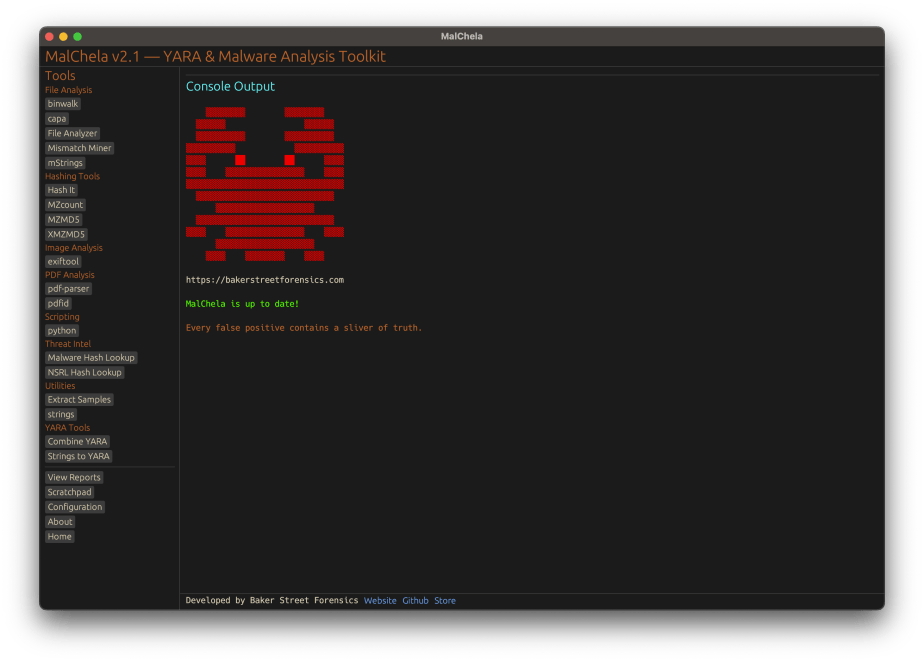
Version 2.1 of MalChela, the modular digital forensics and malware analysis launcher, is now available. This release focuses on flexibility and simplicity — especially when integrating third-party tools and refining workflows between CLI and GUI.
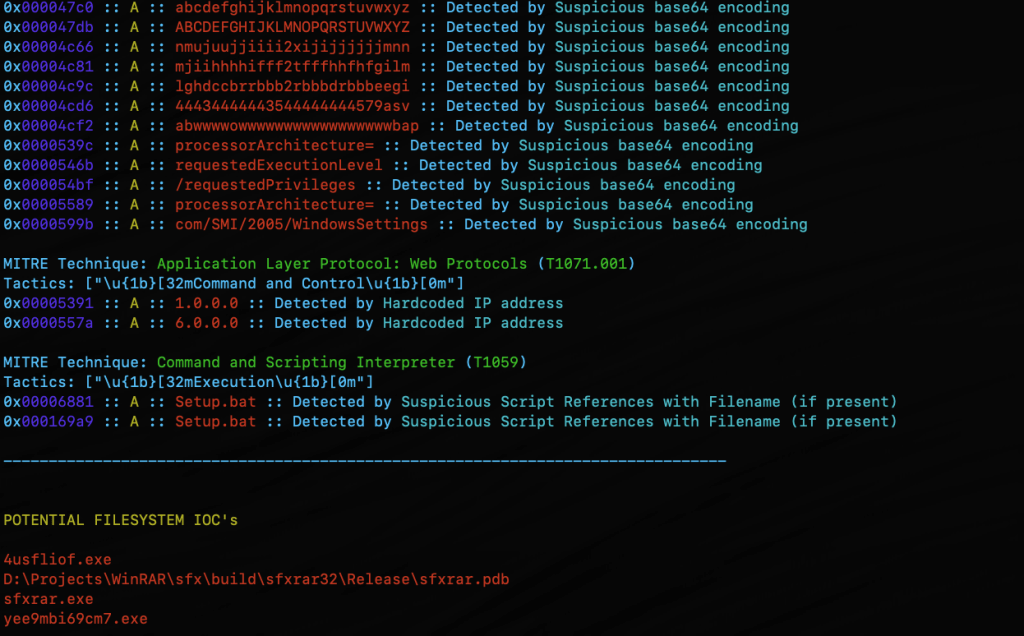
Whether you’re testing suspicious files, generating YARA rules, or examining malware indicators from different sources, the updated interface helps you move fluidly from one tool to another — without losing your place or rewriting commands.
🔄 Run, Re-run, Refine
One of the most helpful improvements in 2.1 is the ability to quickly rerun tools with updated arguments. There’s no need to backtrack or manually rebuild command lines. Just update the Arguments field in the GUI, click Run, and MalChela will handle the rest.
If you’re pivoting between tools like mstrings, pdf-parser, or capa, the consistent interface lets you switch input, adjust flags, and review results in one console — no clutter, no confusion.
🔌 Integration Made Easy
You can now seamlessly add external tools — including Python scripts, native binaries, or custom Rust programs — using just the tools.yaml configuration file. Each tool can define:
- Input type (file, folder, or hash)
- Command structure
- Where input should appear in the argument list
- Whether it’s a script, binary, or cargo-built tool
The GUI reads these definitions and builds a dynamic interface to support them, removing the guesswork of launching external programs.
💾 One Report to Rule Them All
In past versions, you might have seen multiple output files for a single run — especially when running scripts that already saved their own logs. That’s no longer the case.
With 2.1, all tools now produce a single unified report when run through the GUI. Even scripts that don’t natively generate output will have their results captured and saved by MalChela, giving you clean, consistent documentation for every tool.
🐚 CLI Power, GUI Convenience
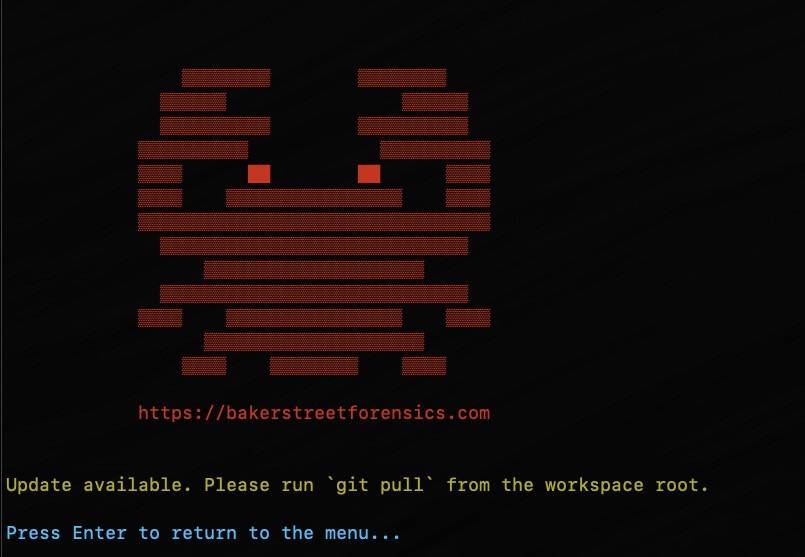
MalChela still supports CLI-based workflows (cargo run -p toolname) and a menu-driven terminal launcher. But the GUI now offers a refined experience for analysts who want more visibility, easier input selection, and better organization of results — without losing the precision of command-line control.
🚀 Try It Out
MalChela is open-source and free to use. You can:
- Download the latest release
- Add your own tools using the updated tools.yaml
- Review the User Guide for setup tips and sample workflows
🎥 A Video Tour
If you haven’t seen it yet, be sure to check out the YouTube video where I walk through some of the different functions in MalChela in the new GUI, stepping through basic static analysis to yara rule writing – all in minutes.
🙏 Thank You
A huge thank you to the community of forensic analysts and developers who continue to test, refine, and inspire this project. If you have feedback, feature ideas, or tools you’d like to see integrated — reach out, submit a PR, or just let me know what’s working.








 Baker Street Forensics