
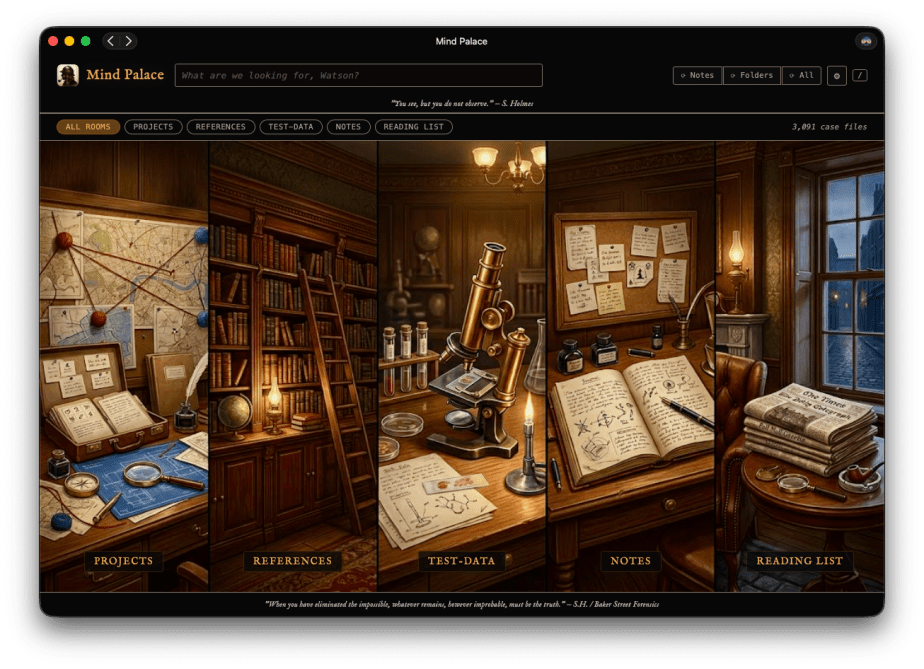
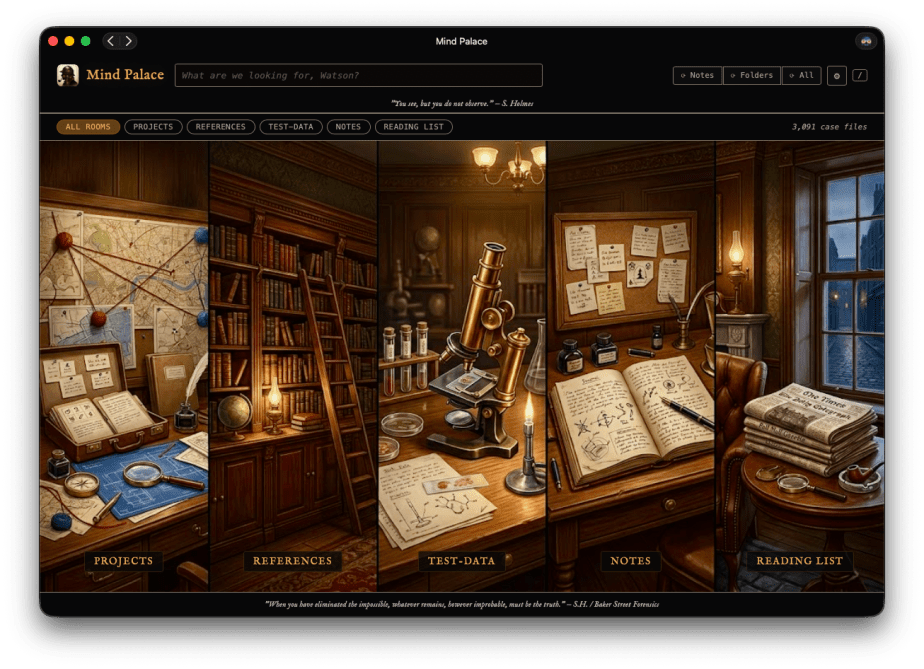
“I consider that a man’s brain originally is like a little empty attic, and you have to stock it with such furniture as you choose.” — Sherlock Holmes, A Study in Scarlet
Update: Mind Palace is now available as a signed macOS menu bar app. https://bakerstreetforensics.com/mind-palace-2/
There’s a particular kind of frustration that I suspect a lot of researchers know well: you’re in the middle of something, an analysis, a blog post, a deck, and you know you’ve written or read or bookmarked something about this before. But where? Which device? What did you call it?
For me, that somewhere spans three places: folders on my computer (best described as neuro-spicy organized chaos – rabbit holes with rabbit holes), Apple Notes full of quick thoughts, and a Safari Reading List of unread articles related to a variety of subject areas. Good information lives in all three. Finding it quickly is another matter.
So I built something to fix that, and yes by built I do mean vibe-coding played a major factor. But this was something I was doing for fun. Don’t hate the game. Adapt how you play.
Mind Palace is a personal knowledge search engine for macOS. It runs locally — no cloud, no API calls, no data leaving your machine — and indexes your Desktop folders, Apple Notes, and Safari Reading List into a single, fast, full-text search interface. The UI leans into the Holmes aesthetic too. Categories are called Rooms and the home screen panels are illustrated like scenes from 221B Baker Street. I had a lot of fun with that part.
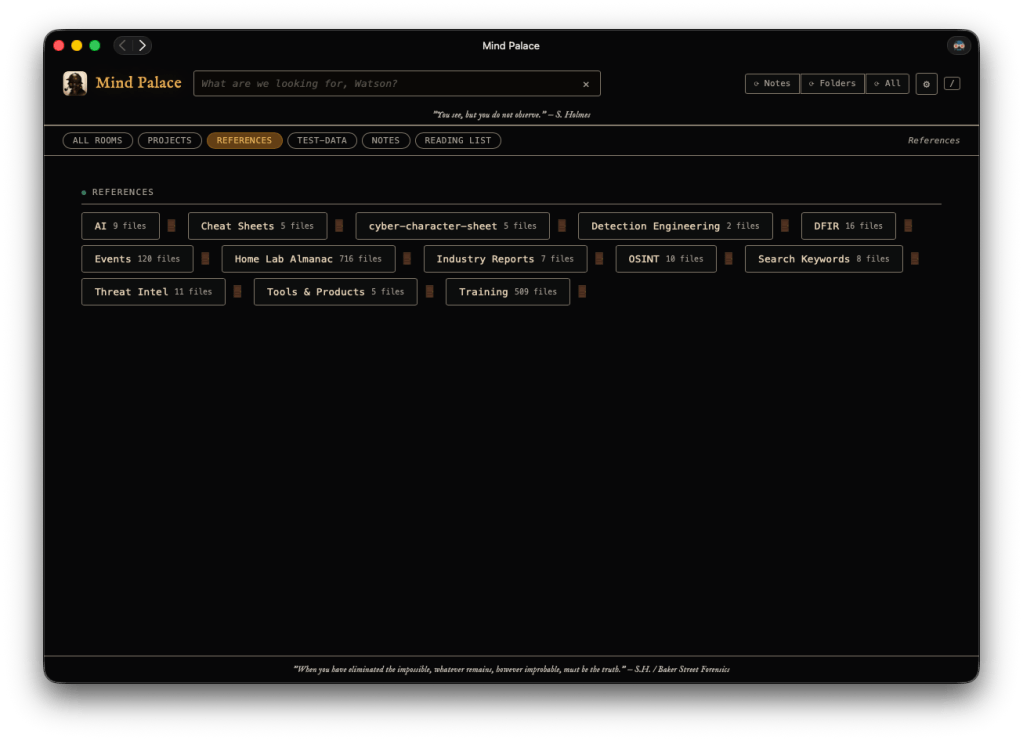
When you’re navigating on the main Mac device – the folder headings have 🚪 links, which opens the respective folder in Finder. Room with doors and doors within doors.
You run it, open a browser, and you’ve got one search box that reaches across everything. It also installs as a PWA, so I have it pinned on my iPad and phone. I can trigger a rescan from any of those devices and the search index updates on my Mac in the background. After the success I had with updating the interface for MalChela to a PWA, it had me thinking of other use cases I could adapt for myself.
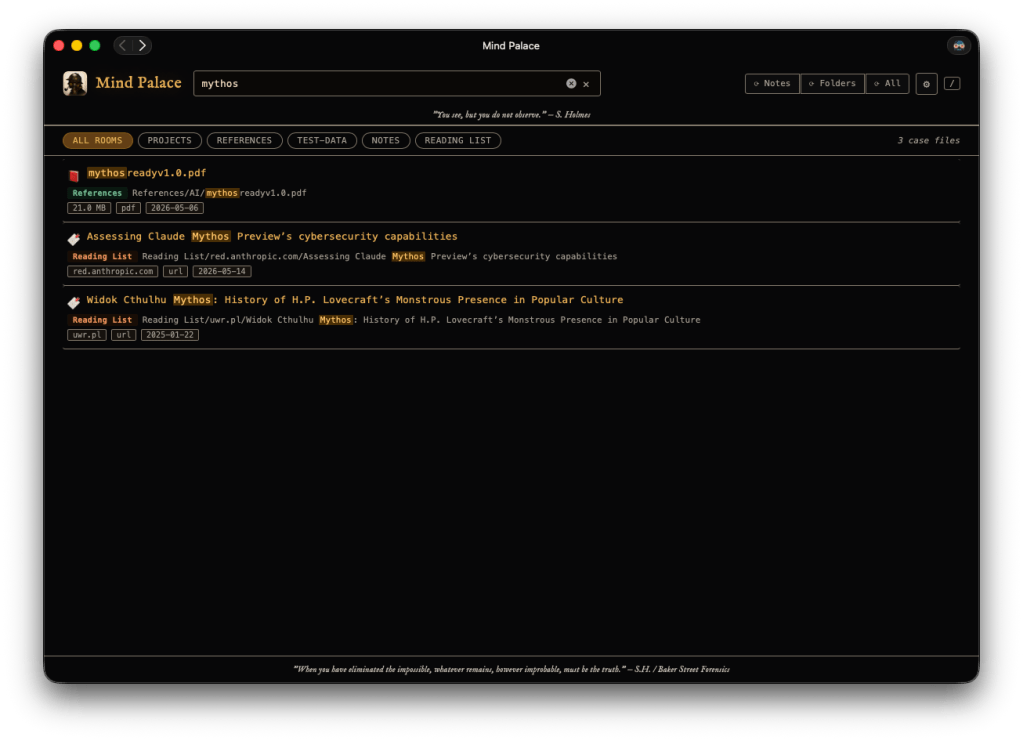
The name felt obvious. The Baker Street brand has always leaned into the Holmes aesthetic, and the Mind Palace is my attempt to build something like that for the chaotic archive that is my actual working brain. I had a pretty clear picture of what I wanted: something that would index the three places I actually put things, serve a clean search UI I could use from any device on my network, and stay entirely local. Simple enough in concept.
The reality was a little more interesting. Apple Notes in particular has a lot going on under the hood. Some notes live in a local SQLite database. Others exist only in iCloud-synced folders and require a completely different access strategy. Getting both to work reliably, and fast, meant going down some rabbit holes I didn’t fully anticipate when I started. But that’s usually where the interesting engineering happens.
The UI came together in a single HTML file, no framework, no build step, just vanilla JavaScript served by a lightweight Python HTTP server. That decision paid off immediately when I wanted to use it from my iPad: install the PWA, point it at my Mac’s local IP, done. The processing stays on the Mac; the tablet is just a display.
Coming Soon
Mind Palace is not released yet, but it’s close. The Python reference implementation is working well in daily use, and I’ll be pushing it to GitHub soon. It came together pretty quickly so I want to do a little more stress testing on it before that happens. The longer-term goal is a proper native Mac app, a menu bar utility with an embedded server, and an iOS companion that discovers it automatically on your local network. That’s a future chapter, or even a novella.
For now, if you want to know when it drops, the best place to watch is my GitHub profile at github.com/dwmetz. I’ll also post here and on Bluesky when it’s live.
If you’ve got a Notes library, a Reading List, and a bunch of folders that hold more institutional knowledge than you can reliably remember, this was built for exactly that situation. More to come.

