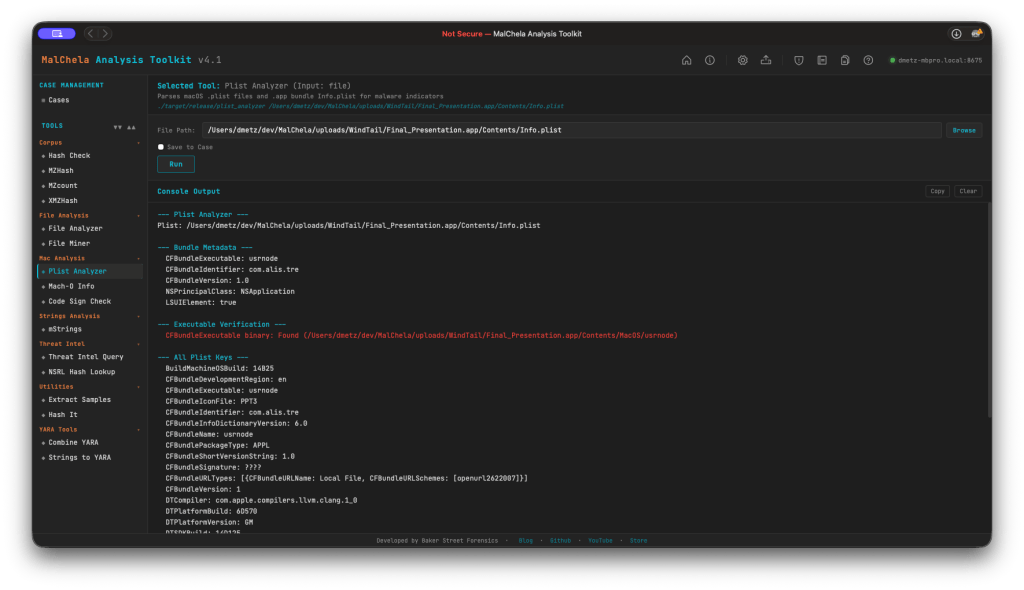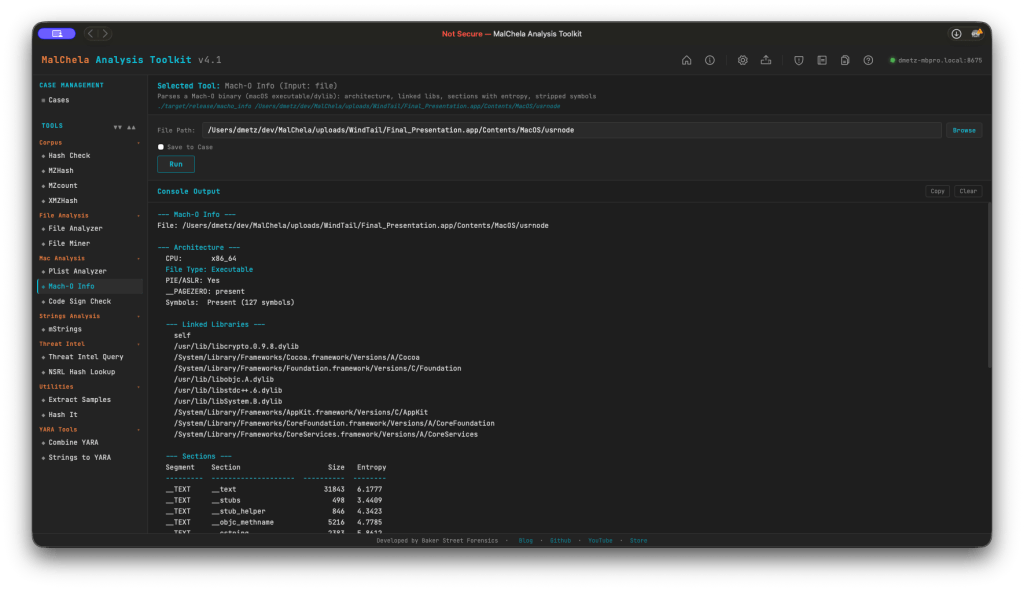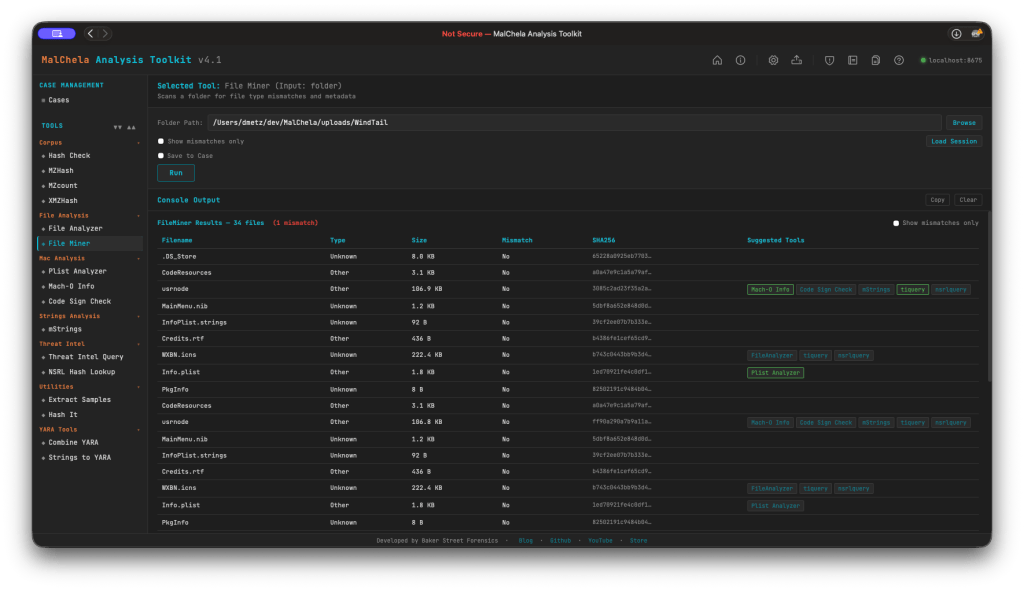
MalChela 3.2: More Cowbell? More Intel!

One of the things I value most about the open-source community is that the best improvements to a tool often don’t come from inside it — they come from outside conversations.  A short while back, the author of mlget, xorhex,  reached out and suggested I add more malware retrieval sources to FOSSOR, one of my earlier tools for pulling down samples from threat intel repositories.  It was a generous nudge, and it landed at exactly the right moment.

FOSSOR started as a simple script.  It did one job — grab malware samples from a handful of sources — and it did it well enough.  When I wrote it, I already knew it was a candidate for eventual MalChela integration, but “eventually” had stayed firmly in the future tense.  The message from xorhex gave me the push to actually sit down and do it properly.

The result is tiquery — and it’s become a new centerpiece to MalChela 3.2.

The Pattern I Keep Repeating (Deliberately)

If you’ve followed this blog or the MalChela project for a while, you might notice a recurring arc in how my tools tend to develop.  It goes something like this:

  • Step one:  write a focused script that solves a specific problem.
  • Step two:  that script evolves into a standalone tool as the scope grows.
  • Step three:  the tool finds its permanent home inside MalChela, where it benefits from the broader ecosystem — case management, the GUI, the MCP server integration, the portable workspace.
  • Step four:  When there’s overlap between tools, follow the KISS principle.

FOSSOR was in step one.  The conversation with xorhex accelerated the jump to step three.  What emerged was something more ambitious than just a source expansion — it’s a unified threat intelligence query engine, built from the ground up.

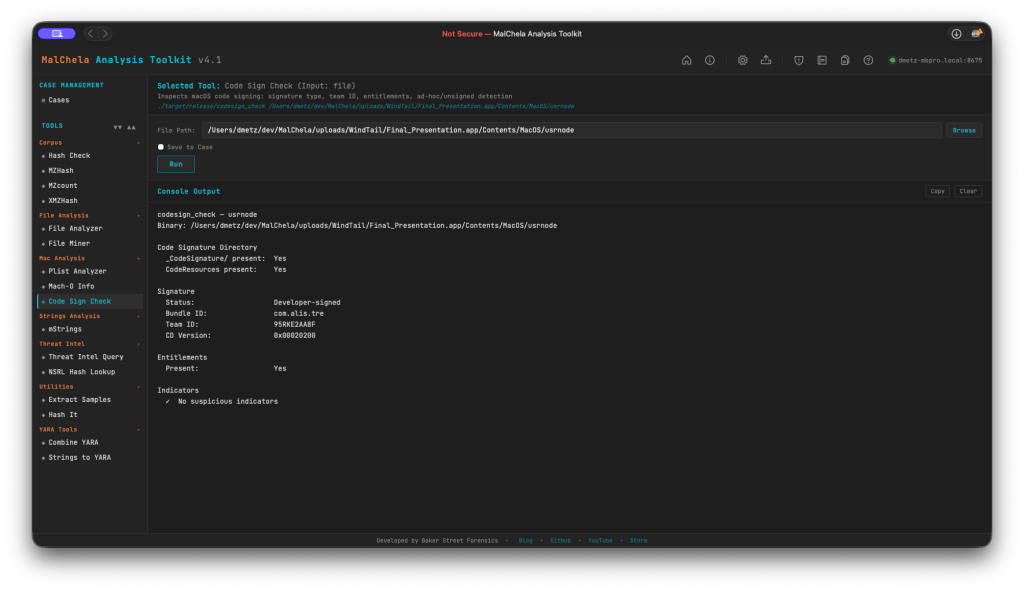
If you’re new to MalChela, it’s a Rust-based malware analysis toolkit built for DFIR practitioners — static analysis, string extraction, YARA rule generation, threat intel lookups, network analysis, and now a unified case management layer tying it all together.  Free, open-source, and built to run anywhere.

Introducing tiquery

tiquery is now the single threat intel tool in MalChela, replacing the retired malhash.  The core idea is straightforward: submit a hash, query multiple sources in parallel, get a clean color-coded summary back.  No waiting for one source to finish before the next one starts.  No manually juggling browser tabs or API wrappers.

Out of the box, tiquery works with eight confirmed sources:

  • VirusTotal
  • MalwareBazaar
  • AlienVault OTX
  • MetaDefender Cloud
  • Hybrid Analysis
  • FileScan.IO
  • Malshare
  • ObjectiveSee (no API key required — queries a locally-cached macOS malware catalogue)

Sources are tiered — free sources and registration-required sources are distinguished in the interface.  If you haven’t configured an API key for a given source, tiquery skips it gracefully rather than throwing an error. This means you can run it easily with whatever keys you have available.

The ObjectiveSee integration deserves a special mention.  It queries the objective-see.org/malware.html catalogue for macOS-specific threats using a locally-cached copy that refreshes every 24 hours, with a stale-cache fallback for offline use.  For anyone doing Mac forensics, this is a meaningful addition — a free, no-key-required check specifically against known macOS malware families.

Tiquery, like FOSSOR, supports batch lookups as well — point it to a .csv or .txt file of hashes and they’ll all be checked in parallel. You can also download samples directly, with MalwareBazaar supported in this release and additional sources on the way – (your vote matters).

What It Looks Like in Practice

The screenshots below show tiquery running in both the CLI and GUI.  In both cases, for any of the matching sources you get a basic classification (malware family, tags, detections,) and direct links to threat intelligence documents about the samples. It’s the perfect jumping off point when you want to leverage community research.

The CLI output is clean and tabular — source abbreviation, status (color-coded FOUND/NOT FOUND), family and tag information, detection count, and a direct reference URL.  Everything you need to make a quick triage decision, no scrolling through API response JSON required. You can run tiquery CLI as a stand-alone, or from within the MalChela CLI menu.

In the GUI, the experience is layered a bit more richly.  You can toggle individual sources on or off, switch between single-hash and bulk lookup modes, download the sample directly from MalwareBazaar, and export results to CSV — all from one interface.  The macOS ObjectiveSee source displays its cache age inline so you always know how fresh the data is.

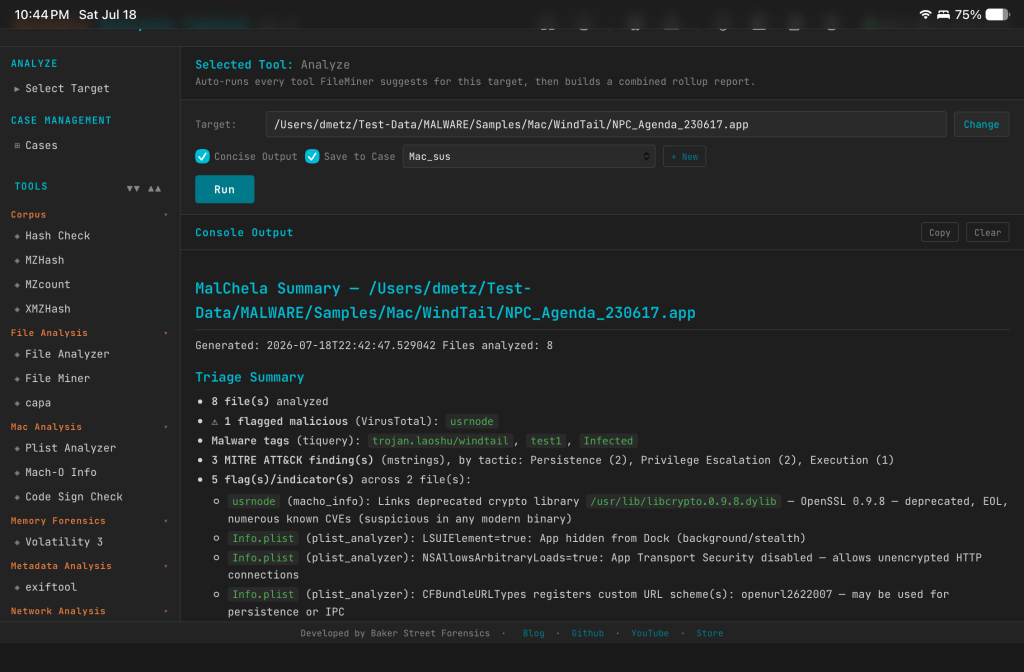
Both outputs feed into MalChela’s case management system.  Check “Save to Case” in the GUI, and tiquery creates a valid case.json automatically — no separate case creation step needed.

Extended Case Management Across the Toolkit

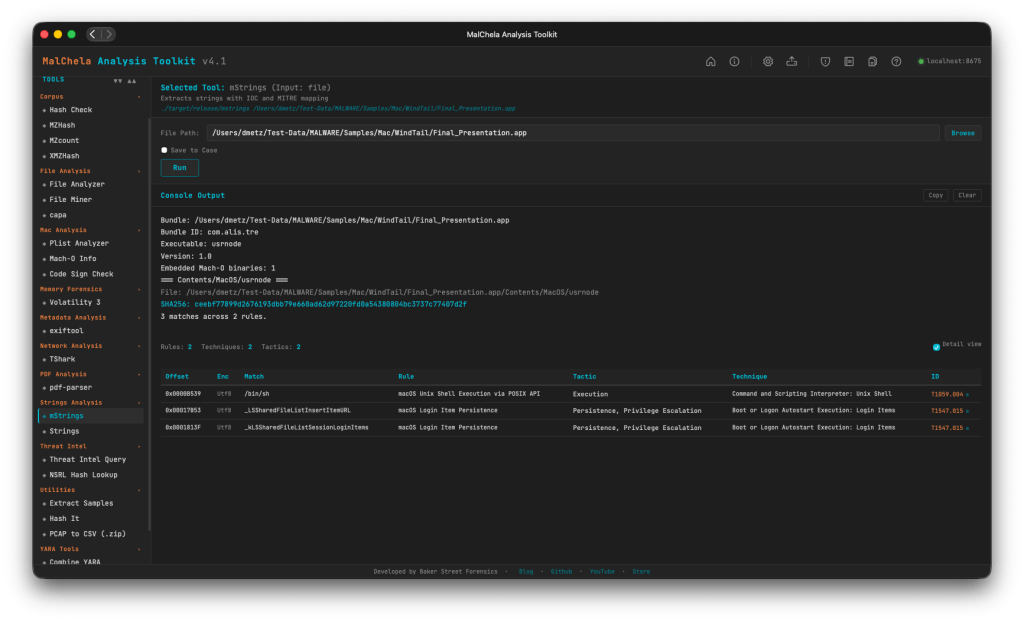
Speaking of case management — 3.2 extends “Save to Case” support across the full GUI.  File Analyzer, File Miner, and mStrings, all now include the checkbox.  This closes out the last gaps in the case workflow.  Whatever tool you’re using for a given task, if you want to preserve the output in a named case, it’s one click. You no longer have to start with the New Case workflow, however it is recommended if that’s the direction you’re going from the start.

The Strings to YARA tool also gains a companion “Save to YARA Library” checkbox.  Check it, and the generated rule gets copied directly into the project’s yara_rules/ directory alongside being saved to the case. This will automatically make the rule available when you run fileanalyzer on subsequent files.  It’s a small workflow improvement, but one that eliminates a manual copy step I was taking every time anyway. I also added a quick formatter so the special character most often in need of escaping “\” gets handled automatically when the rule is generated.

A Note on malhash

malhash is retired in 3.2.  If you’ve been using it in scripts or workflows, tiquery is its direct replacement — it does everything malhash did and then some.  This is a breaking change in the sense that the binary is gone, but functionally tiquery is a superset, not a lateral move.

malhash served its purpose well.  RIP. tiquery is where that purpose lives now.

Get It

MalChela 3.2 is available now on GitHub.  The full release notes are in the repo. 

Thanks to xorhex for the nudge.  Sometimes the best features start with someone saying “have you thought about…”

2025 Year in Review: Open Source DFIR Tools and Malware Analysis Projects

As 2025 draws to a close, I’m taking a moment to reflect on what turned out to be one of my most productive years in code. From major releases to entirely new projects, this year saw significant evolution across my DFIR toolkit—driven by real-world incident response needs, classroom teaching experiences, and late-night tinkering sessions fueled by good bourbon and better puzzles.

What started as continuing work on CyberPipe evolved into a year of substantial innovation: creating MalChela for YARA and malware analysis, building a portable Raspberry Pi forensics platform, developing automated timeline generation workflows, and crafting specialized utilities that solve specific problems I encountered in the field. Each tool represents not just lines of code, but practical solutions to challenges that digital forensics and incident response professionals face daily.

Whether you’re a seasoned forensic analyst, an incident responder building your toolkit, or a student just getting started in DFIR, my hope is that these open-source projects make your work a little easier and a lot more efficient. All tools remain freely available on GitHub, because I believe the best way to advance our field is to share knowledge and capabilities openly.

Here’s what kept me busy in 2025:

MalChela – YARA & Malware Analysis Toolkit (Rust)

My flagship project that evolved significantly throughout 2025:

  • March: Initial release – Combined 10 programs into one Rust workspace for YARA and malware analysis
  • May: v2.1 – Added smoother workflows, better third-party tool integration, and enhanced argument handling
  • May: v2.2 “REMnux Release” – Native support for REMnux, integrations with Volatility3, Tshark, YARA-X
  • June: v3.0 – Major update introducing Case Management system, FileMiner (replacing MismatchMiner), and tool suggestion capabilities based on file characteristics
  • July: v3.0.1 – Refinements to mStrings, improved MITRE mappings, “Select All” functionality, optimizations for running on Toby
  • August: v3.0.2 – Enhanced threat hunting with MITRE ATT&CK technique lookup

MalChela at a Glance

  • Rust-based malware analysis toolkit combining YARA scanning, file analysis, hash generation, string extraction with MITRE ATT&CK mapping, and automated malware sample extraction from password-protected archives 
  • Multiple specialized utilities including mzhash/xmzhash for corpus generation, file type mismatch detection, entropy analysis, PE structure examination, and fuzzy hashing capabilities 
  • Integrated threat intelligence with VirusTotal and Malware Bazaar API support, NSRL database queries for known-good file filtering, and Sigma rule application for IOC identification 
  • Case management system (v3.0) featuring unified tracking of files, tools, and notes in case.yaml format with auto-saved outputs, tagging, search functionality, and VS Code integration 
  • Extensible architecture supporting custom tool integration via tools.yamlconfiguration, enhanced support for Volatility 3, TShark, and YARA-X, with both GUI and CLI modes (WSL2-compatible on Windows)
  • Complete documentation embedded as PDF or online

https://github.com/dwmetz/MalChela

CyberPipe – Incident Response Collection Tool (PowerShell)

Continued evolution of the enterprise digital evidence collection script:

  • May: v5.1 – Streamlined profiles with better flexibility, customizable collection profiles
  • October: v5.2 – Improved collection methods with dual disk space validation, SHA-256 hashing of artifacts, single-file reporting, network collection simplification
  • November: v5.3 – Critical PowerShell 5.1 compatibility fixes, dual validation logic, enhanced reliability across all PowerShell environments

https://github.com/dwmetz/CyberPipe

CyberPipe-Timeliner ✱New✱ (PowerShell)

  • NovemberCyberPipe-Timeliner – New companion project to CyberPipe that automates the workflow from Magnet Response collections to unified forensic timelines using Eric Zimmerman’s EZ Tools and ForensicTimeliner

https://github.com/dwmetz/CyberPipe-Timeliner

Toby – Portable Raspberry Pi Forensics Toolkit

  • July: Released Toby – A compact forensics toolkit built on Raspberry Pi Zero 2 W running customized Kali Linux, designed for headless operation via SSH/VNC, perfect for field analysis and malware triage

Toby-Find

  • JulyToby-Find – Terminal-based command-line helper tool for discovering CLI forensics tools in KALI and REMnux environments, created initially for university teaching

https://github.com/dwmetz/Toby

Crabwise – USB Device Benchmark Utility (Rust)

  • August: Released Crabwise – A lightweight USB benchmarking tool that measures true read/write speeds of USB devices for forensic workflows. Tests write throughput with pseudo-random data and read performance under uncached conditions. Includes logging functionality to track performance across different cables, hubs, and connection paths, helping forensic investigators optimize their hardware setups.

https://github.com/dwmetz/Crabwise

Toolbox Utilities – Specialized Python and Bash Scripts

Standalone tools maintained in the Toolbox repository:

  • OctoberCoreBreaker.py – Breaks large yara-rules-core files into smaller .yar files for tool ingestion
  • OctoberEtTu.py – Caesar cipher brute force decoder (created for Murdle puzzle solving); After all, All work and no play makes Jack a dull boy.
  • Novembercloudtrail_timeline.py – Parses AWS CloudTrail JSON logs and outputs CSV format for Timeline Explorer
  • Novembermac_triage_timeline.sh – Processes Mac-Triage ZIP files and generates timeline for Timeline Explorer
  • Novemberuac_timeline.sh – Processes UAC tar.gz files and generates timeline for Timeline Explorer (Linux/macOS)

https://github.com/dwmetz/Toolbox


All projects are available on my GitHub at github.com/dwmetz, with detailed documentation on bakerstreetforensics.com. My goal is making DFIR and malware analysis more accessible, automated, and efficient for incident responders and forensic analysts.

Upcoming talks at Magnet Virtual Summit 2025

Just two more weeks to the Magnet Virtual Summit 2025! If you’ve been procrastinating on registering, don’t miss out. It’s completely free! The conference is scheduled for February 10th through the 14th.

I’m excited to present two talks this year. The first one is titled “Unlocking DFIR: Free Resources for Efficient Triage and Acquisition.” In this talk, I’ll cover free triage acquisition solutions for Windows, Mac, and Linux.

The second talk is called “Zen & the Art of Digital Forensics: Enhancing Insight through Mindfulness.” In this talk, I’ll explore how applying Zen principles like mindfulness, non-attachment, and the ‘beginner’s mind’ can lead to improved investigations and mental well-being.

Register at https://magnetvirtualsummit.com/.

While you’re there, don’t forget to sign up for the Capture the Flag.

Installing REMnux on a MacBook Pro

I had an older MacBook Pro (15-inch, 2.53GHz, Mid 2009) that had been unused for a while as it was no longer getting updates from Apple. It’s one of the Intel chip ones and last ran Monterey. I pulled it out of the closet and decided to give it a refresh by installing REMnux on it. The process was pretty straightforward, but there were a couple things noted along the way I thought I’d share.

Start off by downloading the Ubuntu 20.04.6 AMD64 Desktop ISO. Yes, 20.04. Later installations aren’t supported by the REMnux installer.

Next you’ll want to burn the image to a flash drive, and make it bootable, using Rufus (Windows) or Balena Etcher (Mac.) This model MacBook has USB-A ports which seems like a relic compared to the current Macs. You’ll need at least an 8GB flash drive for the Ubuntu image. The first free one I could find was 32GB so I used that.

With the bootable USB drive inserted, power-up the MacBook and hold the option key until you see the different hard drives listed.

The flash drive is the one that shows as EFI Boot. Select it and hit return/enter.

Once everything is booted up you’ll get to the Try or Install Ubuntu menu. We’ll choose install.

Specify options as needed for timezone, keyboard, etc. For the username we’ll use remnux and the password malware as that’s the default. After the installation you can set the password for the remnux user as you wish.

At the Installation type we’ll choose Erase disk and install Ubuntu.

Sorry for the wavy resolution. Tough to get good screenshots during bare-metal OS installations.

Once the installation completes, hit Restart Now.

When I first logged in I was getting an error, “Activation of network connection failed” when trying to authenticate to the wireless network. Disabling IPv6 for that network fixed. it.

Now that we’ve got connectivity, we can grab any available Ubuntu updates.

sudo apt-get update && sudo apt-get upgrade

If at any point you’re prompted to do a distribution upgrade (a version of Ubuntu later than 20.04), choose Don’t Upgrade.

Once you’ve done all the OS updates, and rebooted, we can start the REMnux installation. We’ll be following the Install from Scratch instructions at remnux.org

wget https://REMnux.org/remnux-cli
sha256sum remnux-cli 

Verify the hash matches the published hash 88cd35b7807fc66ee8b51ee08d0d2518b2329c471b034ee3201e004c655be8d6

mv remnux-cli remnux
chmod +x remnux
sudo mv remnux /usr/local/bin

The first time I ran the installer it failed as curl wasn’t installed. So take care of that before starting the install.

sudo apt-get install curl

At this point we’re ready to run the installation. The one deviation I’m choosing here is that rather than the standard install, I’m choosing the ‘cloud mode.’

If you’re depoying REMnux in a remote cloud environment and will need to keep the SSH daemon enabled for remotely accessing the system, use the following command instead to avoid disabling the SSH daemon. Remember to harden the system after it installs to avoid unauthorized logins.

remnux.org

In my case I plan to be ssh’ing into the box from within my own network more often than actual hands on keyboard, hence the cloud mode.

sudo remnux install --mode=cloud

At this point grab a coffee, walk the dog, or find something to do while the wall of text streams by.

Note if the install fails the first time don’t be afraid to re-run the install command a 2nd time.

Finally when it’s done, Reboot.

There you go. A shiny, happy, malware analysis machine.