
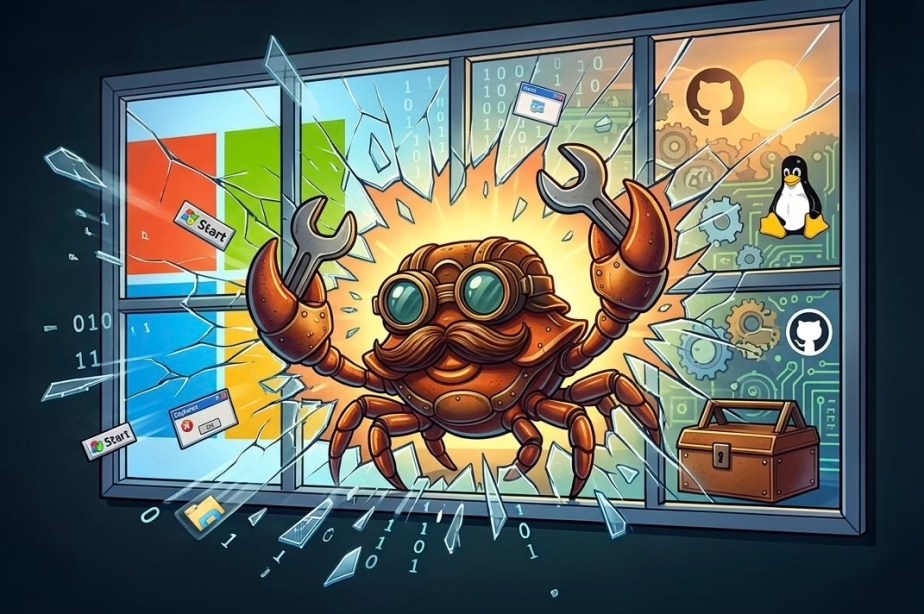
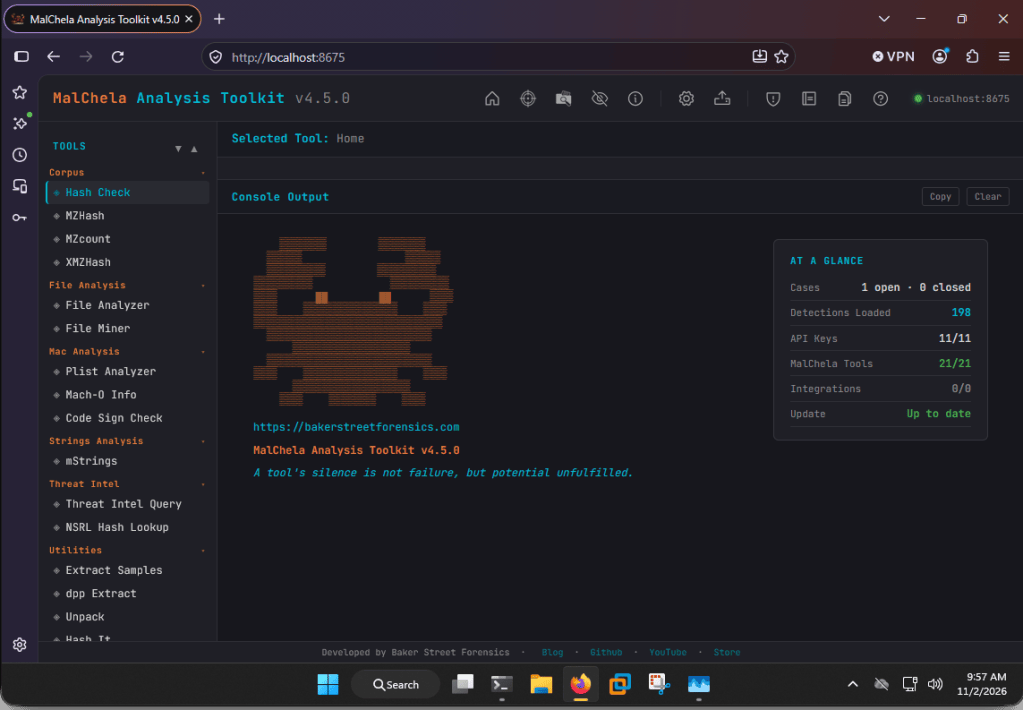
With the v4.5 release, MalChela now runs natively on Windows. Previously, Windows users were limited to running it under WSL. The PWA interface was reachable from Windows, so driving the GUI was easy enough, but everything underneath still lived in Linux. If you’re a native Windows user, you can now skip WSL entirely and get the same toolset, CLI and web interface, that runs on macOS and Linux.
Getting started on Windows
You’ll need Rust with the MSVC toolchain (rustup will prompt you for the Visual Studio C++ build tools), Git, and Python 3 for the web interface. From the MalChela folder in PowerShell or cmd, run .\release.ps1 (or release.cmd) to build, then server\start_server.cmd to launch the PWA. The first run sets up the Python environment for you, and no server config file is needed to get going. Full details are in the native Windows install guide. WSL2 still works if you prefer a Linux environment.
Goodbye YARA, hello yara-x
The biggest hurdle to running natively on Windows was how MalChela was originally built: it required compiling YARA from source. We’ve been moving away from YARA to yara-x, VirusTotal’s rewrite of YARA in Rust, and with this release that migration is complete. yara-x is compiled in as a Rust crate, so there’s no system YARA library to install and no environment variables to point the build at, on any platform. Much of that groundwork came from Daniel Iwugo (@elementmerc), whose PRs built out and hardened the yara-x backend and moved File Analyzer onto it.
If you’re upgrading from v4.3 or earlier, the old YARA, OpenSSL, and GTK packages are no longer used by the build. You can leave them installed, and drop the YARA_LIBRARY_PATH and BINDGEN_EXTRA_CLANG_ARGS exports from your shell profile. One heads-up if you maintain your own rulesets: yara-x is highly compatible with YARA, but not 100%. Some legacy syntax that YARA tolerated will throw errors under yara-x, so it’s worth test-compiling your custom rules after upgrading.
TIQuery updates
Thanks to a PR from Jonas Lejon (@jonaslejon), TIQuery has a new URL source: ScanMalware. It checks ScanMalware’s public scan archive without ever submitting a new scan, and only the host name leaves your machine; the full URL is matched locally, so tokens or email addresses in a phishing link’s query string stay with you.
That addition also led to a rework of how keyless sources (those that don’t require an API key) are handled. Sources that send your lookups to a third party, currently urlscan.io and ScanMalware, are now off until you opt in, so you stay in complete control of your OPSEC and what gets submitted where. Your choice is saved and shared across the CLI, the web interface, and the Claude plugin.
New in v4.5, TIQuery can also download samples from Triage (tria.ge), alongside the existing MalwareBazaar integration. If MalwareBazaar doesn’t have the sample, TIQuery falls back to Triage, verifies the SHA256 against the hash you requested, and wraps it in the usual password-protected zip before anything touches disk. Check out the online documentation for details.
Thank you
In my less-than-humble opinion, MalChela has come a long way since the early days of 2025, but it wouldn’t be where it is without feedback and contributions from the community. A very big thank you to Daniel, Jonas, and everyone who’s participated! If you run into anything on Windows, or have ideas for what’s next, issues and PRs are always welcome on GitHub.

