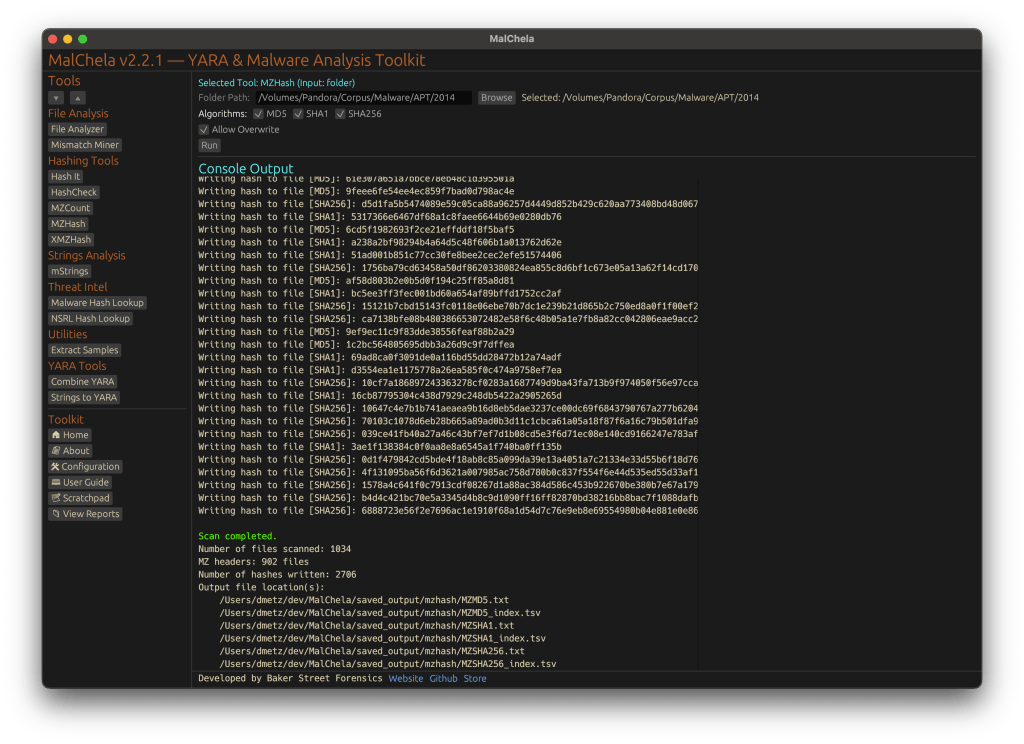
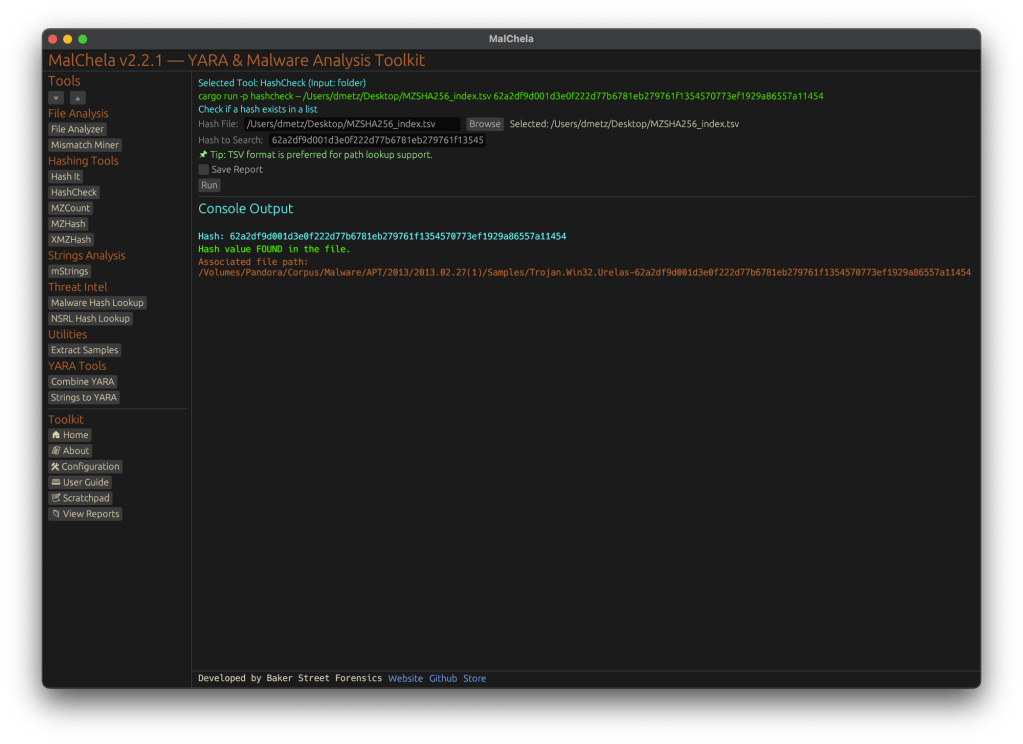
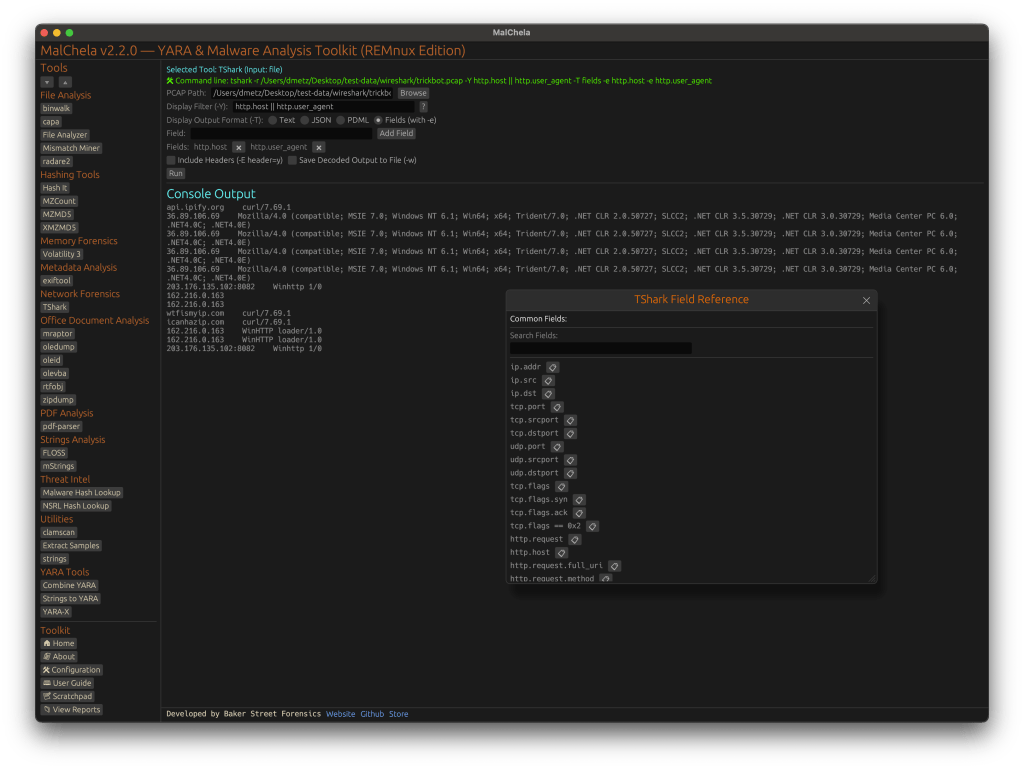
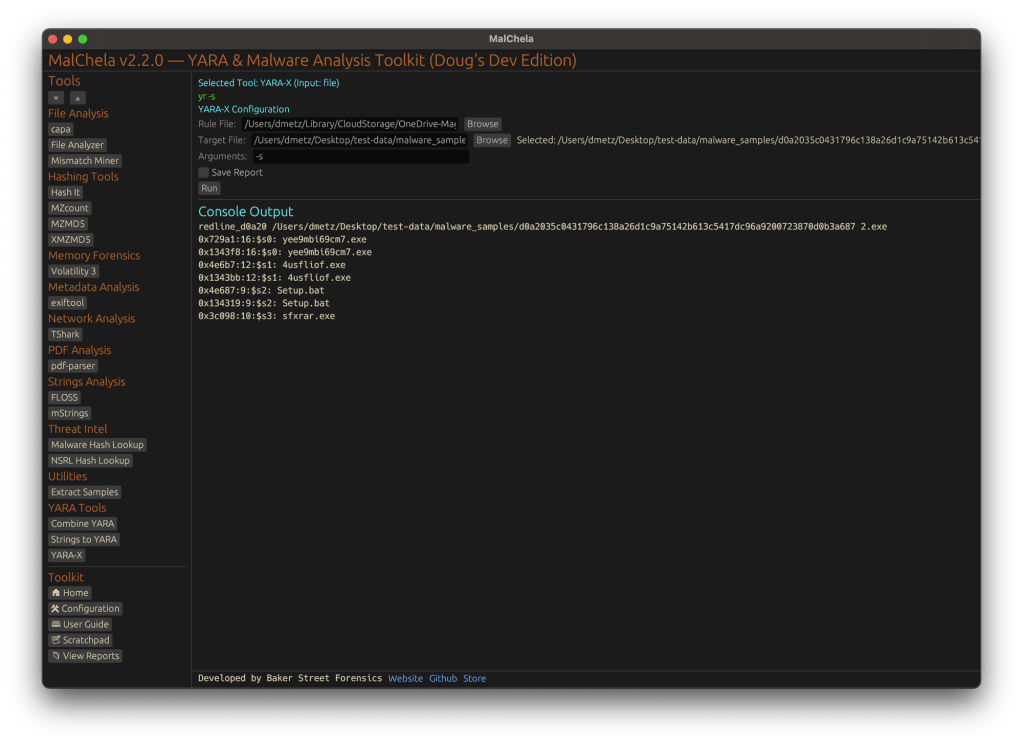
Malware authors often use file masquerading—disguising malicious executables as seemingly harmless files—to bypass both user scrutiny and automated defenses. A classic example is an executable file with an image extension, such as `.png`, that actually contains a Windows PE binary. To help address this challenge, the Mismatch Miner utility, written in Rust and part of the MalChela malware analysis toolkit, introduces a practical approach for uncovering these deceptive files using YARA rules.
Why File Masquerading Matters
File extension spoofing remains a simple yet effective evasion tactic. Users and some security tools may trust files based on their extensions, ignoring the underlying content. Attackers exploit this by renaming executables with extensions like `.jpg` or `.png`, hoping to slip past defenses. While this technique is not new, it continues to be relevant due to its effectiveness and the limitations of extension-based filtering.
That said, this method should be seen as one component of a broader detection strategy. While it is effective for catching executables disguised as images or documents, it does not address more sophisticated evasion tactics, such as fileless malware or executables embedded within other file formats. Additionally, some legitimate software may use unconventional file extensions, so results should be reviewed with context in mind.
Mismatch Miner: Approach and Implementation
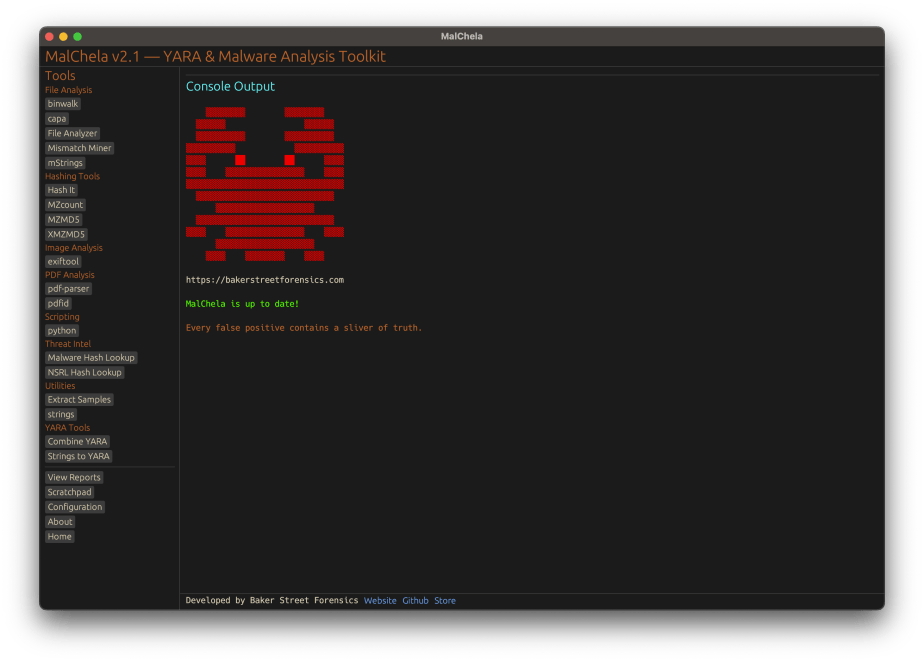
Mismatch Miner is designed to scan a directory for files with extensions that are commonly abused for masquerading, including popular image formats. For each candidate file, it leverages YARA—a widely used pattern-matching tool in malware analysis—to check for the presence of the “MZ” header, which marks the start of Windows executable files. If a file’s extension suggests it is an image, but its header indicates it is an executable, the tool flags the file and reports its name, full path, and SHA256 hash, to support further investigation.
Mismatch Miner screenshot
Mismatch Miner offers a practical solution for identifying a common malware evasion technique: executables disguised as benign files. By combining Rust’s performance with YARA’s pattern-matching, it provides security analysts with a reliable tool for uncovering hidden threats. While not a panacea, header-based mismatch detection is a useful addition to any malware analysis workflow, helping to close a gap that attackers continue to exploit.
Mismatch Miner is bundled with MalChela, the YARA & Malware Analysis toolkit. If you’ve already installed it, a ‘git pull’ from your workspace directory should get you the new feature.
Forensic investigations are an intense and detail-oriented field where accuracy and efficiency are paramount. However, the constant pressure can often lead to stress and burnout. Whether dealing with IR (incident response) or ICAC (child exploitation cases), the weight of these responsibilities can take a toll on even the most resilient investigators.
I believe the principles of Zen offer a meaningful antidote to these challenges. Rooted in mindfulness, simplicity, and presence, Zen can provide forensic investigators with tools to manage stress, maintain focus, and approach their work with clarity.
By integrating Zen principles into forensic practices, investigators can navigate complex cases with a calm and focused mindset, enhancing both their effectiveness and well-being.
The Intersection of Zen and Forensic Investigation
Forensic investigations demand precision, attention to detail, and the ability to think clearly under pressure—qualities that align closely with Zen’s tenets. Zen, a branch of Mahayana Buddhism, emphasizes mindfulness, non-attachment, and direct experience. When applied to forensic work, these principles offer a balanced approach that helps investigators stay present and focused, even amid chaos and complexity.
At its core, Zen promotes mindfulness, simplicity, and patience. It encourages focusing on the present moment, embracing simplicity, and approaching life with balance and harmony. Unlike many traditional religions, Zen emphasizes personal practice over dogma, making it uniquely suited for practical application in various fields—including forensics.
Zen in Action: Enhancing Forensic Practice
Zen principles have been successfully applied in various fields. In art, minimalist movements reflect Zen’s emphasis on simplicity. In business, leaders like Steve Jobs drew inspiration from Zen’s focus on cutting away distractions to emphasize what truly matters. Athletes have credited mindfulness as the key to achieving “flow” or being “in the zone.”
These same principles can also benefit forensic investigators, helping them sift through overwhelming amounts of data to find what is essential.
Forensic investigations involve meticulous processes: evidence collection, analysis, interpretation, and testimony. Investigators must work under tight deadlines, with vast amounts of data, while maintaining the highest standards of accuracy and objectivity. Success in this field requires a sharp mind, logical thinking, and effective stress management.
Introducing Zen to digital forensics offers a methodology for finding calm amid complexity. Let’s explore how specific Zen principles—mindfulness, non-attachment, simplicity, and patience—can enhance forensic practices.
Mindfulness (Nen): Staying Present
Mindfulness is the practice of being fully present in the moment, and it is central to Zen. In forensic investigations, this means staying focused on the immediate task at hand, whether collecting evidence or analyzing data. By practicing mindfulness, investigators can significantly reduce errors, as their full attention is on the work in front of them.
This enhanced focus not only improves accuracy but also helps investigators maintain emotional control, enabling them to remain composed in high-pressure situations.
Non-Attachment (Muga): Letting Go of Bias
Non-attachment in Zen refers to letting go of ego and preconceptions. For forensic investigators, this means avoiding the temptation to form conclusions too early. Instead, they must allow the evidence to guide their analysis. Zen’s principle of non-attachment aligns perfectly with the objective nature of forensic work, where staying open to new insights is crucial.
By letting go of preconceived notions, investigators can avoid confirmation bias and follow where the facts truly lead.
Simplicity (Kanso): Focusing on the Essential
In today’s digital age, forensic investigators are often overwhelmed with vast amounts of data. The Zen principle of simplicity—focusing on what is essential and filtering out the rest—can help prevent burnout and increase efficiency.
By prioritizing relevant evidence, eliminating distractions, and simplifying their approach, investigators can better uncover the truth. This is especially important in triaging evidence and making decisions on what data to focus on in high-stakes cases.
Patience (Nintai): Embracing Perseverance
Forensic investigations often require piecing together seemingly disconnected fragments of data to understand the full scope of an incident. This process takes time, and rushing can lead to missed details or flawed conclusions. Zen teaches patience, which is invaluable for investigators who must wait for the full puzzle to come together before making final judgments.
In digital forensics, patience is essential when dealing with complex, fragmented, or encrypted data. Investigators must accept that not every case will yield complete answers and be willing to work with the available evidence.
Beginner’s Mind (Shoshin): Staying Open to New Possibilities
“Beginner’s mind,” or Shoshin, refers to an attitude of openness and curiosity, free from preconceptions. In digital forensics, where technology is constantly evolving, maintaining a beginner’s mind helps investigators remain open to new tools, techniques, and types of evidence.
By approaching each case with curiosity and humility, forensic investigators can discover new insights and avoid relying solely on past methods. This adaptability is significant in a field where outdated approaches can quickly become obsolete.
In Beginners Mind, you don’t know what you do know.
When we apply Beginners Mind to Digital forensics, we can say ‘ you don’t know what you don’t know’; but we can also say, ‘you don’t know what you DO know.’ Artifacts, and the techniques for their analysis, are constantly evolving. As devices update, the means by which artifacts are stored and how we interpret them are subject to change.
Practical Zen Techniques for Forensic Investigators
Meditation: Regular meditation can enhance mental clarity, reduce anxiety, and improve focus—key qualities for investigators working under pressure.
BreathingTechniques: Simple breathing exercises can help investigators regain composure during stressful moments, allowing them to think more clearly.
Mindful Walking: Taking mindful breaks during long investigations can help reset the mind, promoting relaxation and sustained focus.
Attention to Detail: Mindfulness exercises can sharpen the ability to notice subtle yet critical details, which is vital in forensic investigations
Conclusion
Zen and digital forensics share core values such as focus, objectivity, patience, and clarity. A forensic investigator, much like a Zen practitioner, must cultivate a clear, focused mind, remain patient and persistent, and be open to whatever truth the evidence reveals. By integrating Zen principles into forensic practices, investigators can not only improve their performance but also maintain their mental well-being in a high-pressure environment.
In essence, Zen offers a path to calmness and clarity in a field where chaos and complexity often reign. Through mindfulness, non-attachment, simplicity, and patience, forensic investigators can enhance both their effectiveness and their personal sense of balance.
Note: This topic was first presented at the 2025 Magnet Virtual Summit. You can access the recording here.
It’s been just over a week since MalChela was initially released and already here have been a number of updates.
mStrings
In the previous post, I walked through the new mStrings function. I think this is one of my favorites so far. It extracts strings from a file and uses Sigma rules defined in YAML against the strings to evaluate threats and align results to the MITRE ATT&CK framework.
For fun I pointed it at an old WannaCry sample . I had a proud papa moment at the positive network IOC detection.
Check for Updates
Next came a function to automatically check the GitHub repo for updates and encourage a git pull to grab the latest… because apparently I can’t stop myself and this project will just keep growing, as my sleep keeps dwindling. Personally I found it ironic that you have to update in order to get the update telling you that updates are available… but it will work for all future updates as they come. So go ahead and update why don’t you.
Screenshot of MalChela indicating an update is available via git.
New File Analyzer module
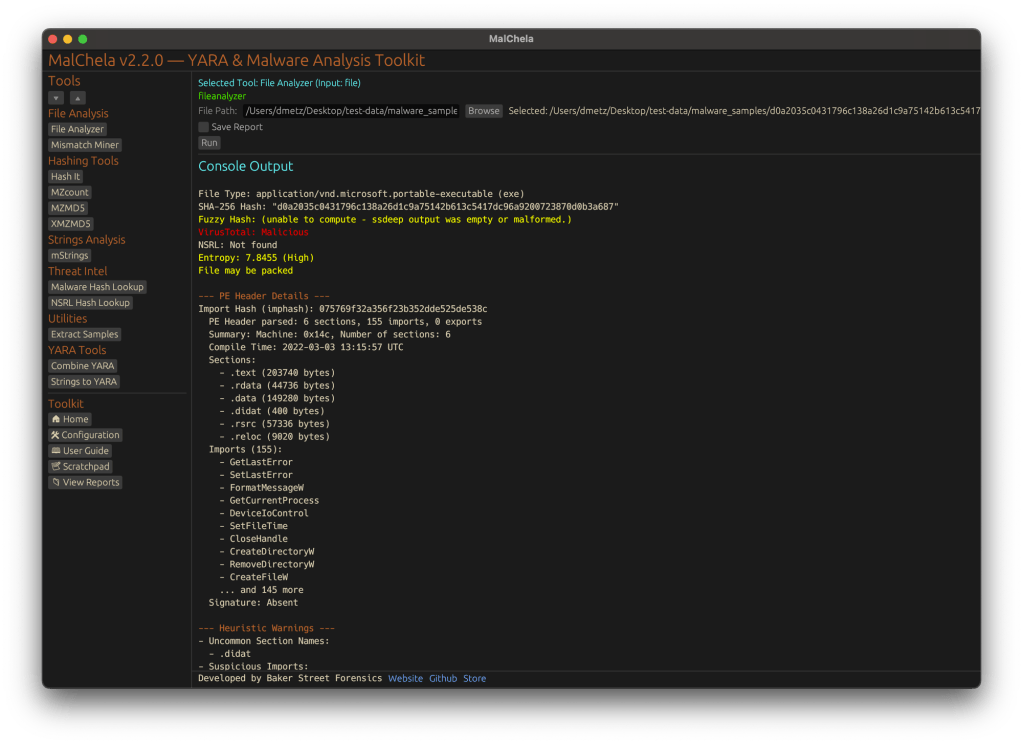
Most recently a File Analyzer module has been added. Give it the path to your suspect file and it will return back:
SHA-256 Hash
Entropy (<7.5=high)
A RegEx detection for packing (mileage may vary)
PE Header info if it’s a PE
File Metadata
Yara Matches (any rules in yara_rules folder in workspace)
If there’s a positive match for the hash on VirusTotal (leverages the same key as previously in MalChela with the Virus Total / Malware Bazaar lookup)
Lastly, you’re given the option of whether or not you want to run strings on the file, or return to the main menu.
I really like the idea of using this as a possible first step in static analysis. Run this first and opt for strings. Things look interesting there, throw it into mStrings. Positive match on VirusTotal – use the malware hash lookup and get a more detailed analysis. Use the results from mStrings to craft a YARA rule and add it to your repo for future detections.
String analysis is a cornerstone of malware investigation, revealing embedded commands, URLs, and other artifacts that can expose a threat’s intent. mStrings, a Rust-based tool, simplifies this process by scanning files, extracting meaningful strings, and structuring results for efficient analysis.
At its core, mStrings is more than a simple string extraction tool. It integrates regex-based detection rules to identify key indicators, offering a refined approach to analyzing malware artifacts. In addition to console output it also presents data in a structured JSON format, allowing for seamless integration into other security workflows.
screenshot from mStrings
In addition to specialized string searching, mStrings detections associate results with MITRE ATT&CK. When malware indicators map to known MITRE ATT&CK techniques, analysts can quickly understand the intent and behavior of a threat. Instead of just seeing a suspicious string, they can recognize that it corresponds to credential dumping, command-and-control, or privilege escalation, enabling faster triage and response.
Optimized for Practical Investigation
Security professionals often need to cross-reference findings in a hex editor. mStrings accounts for this by capturing detailed string locations in hex, allowing for immediate context when reviewing suspicious files. This level of granularity is particularly valuable when analyzing packed or obfuscated malware, where offsets can provide crucial insights.
mStrings showing hex location for identified string
After the scan, reviewing the complete strings dump is just as easy with an option to open the results directly in VS Code.
mStrings prompt to review saved strings
Technology That Powers It
Built in Rust, mStrings leverages its robust ecosystem to enhance performance and reliability. Sigma-based detection rules allow for flexible and easily modifiable patterns, giving analysts control over what indicators to track. The tool’s structured approach ensures that results are not just extracted but meaningfully categorized for deeper analysis.
A Tool That Grows with You
mStrings is extensible, enabling you to customize detections. Not satisfied with the existing detection rules? You can easily write your own in Sigma. Future improvements will refine regex patterns, enhance Windows compatibility, and introduce new features to improve investigative workflows. Designed with usability in mind, mStrings serves as a practical companion for analysts who need clear, structured, and insightful data extraction.
MStrings is one of many malware analysis utilities included in MalChela. Download from Github and let me know what you think. If you’ve already installed Malchela, git pull will download the latest updates.
Try this out for a workflow. Use Hash It (3) and give it the file path for a malware file. Use the hash from Hash It and check it against VirusTotal an Malware Bazaar with the Malware Hash Lookup (10). Then jump into mStrings (4), give it the same file path again, and start pulling out the interesting strings. Once you have what you think is a good number of indicators, run Strings to YARA (9) and generate a fully formatted YARA rule for use in any of your security tools.